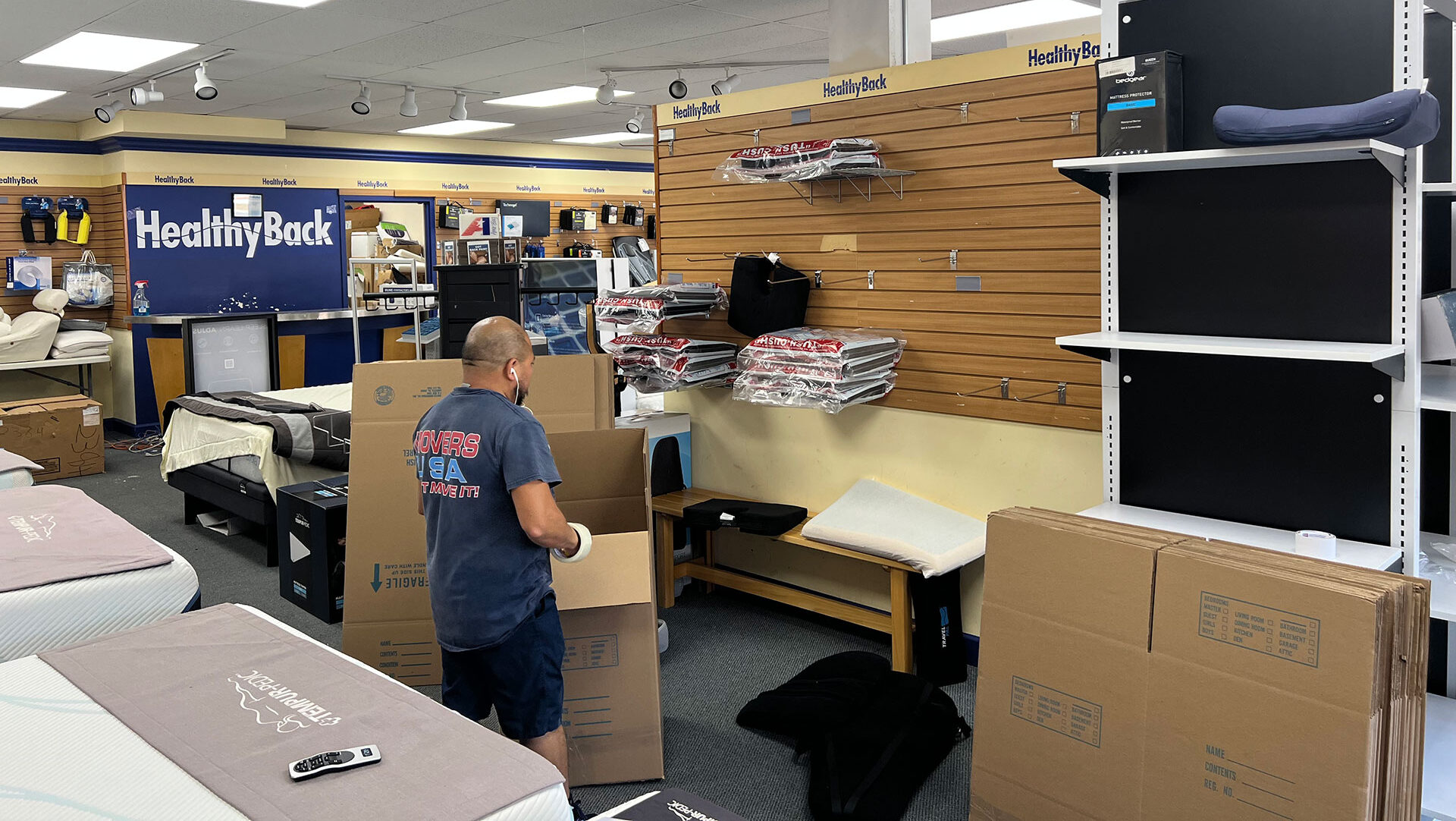
In today’s hybrid and remote work world, your home office isn’t just a corner with a desk—it’s your productivity hub. So when it comes time to move, the idea of disrupting your workflow can feel overwhelming.
The good news? With the right planning—and the right team—you can move your home office without missing a beat.
Here’s how to transition smoothly from one space to the next, without losing time, business, or your sanity.
1. Audit Your Office Setup 🗂️
Before packing a single cable, take stock of your current office. What equipment do you use daily? Which files are essential? Make a list of:
- Computers and monitors
- Hard drives and backup systems
- Printers, scanners, and routers
- Notebooks, pens, and whiteboards
- Cables, surge protectors, and adapters
- Ergonomic chairs and desks
🔗 Already working with Movers USA? Learn more about our packing services for home offices.
2. Back Up Everything Before You Move Home Office Files 💾
Don’t let a misplaced box cost you important data. Back up all critical files to the cloud before your move day. Consider services like:
Also, create physical backups on external hard drives for added security—especially if you work with large files or sensitive data.
3. Schedule Smart: Move Outside Business Hours 📅
The best way to stay productive? Avoid downtime altogether.
Plan your move for a weekend or after-hours to minimize disruption. If you work with clients or teams across time zones, block off time strategically and let them know in advance.
📦 Need flexibility? Movers USA offers weekend and after-hours moving services to fit your schedule.
4. Label Like a Pro 🏷️
Color-code or clearly label all boxes: “Office – Desk Setup”, “Office – Cables”, “Office – Files”, etc. This allows our movers (or you) to place everything in the right spot the first time—no guesswork involved.
Pro tip: Label cables individually before packing to make reconnecting a breeze.
5. Pack a “Go Bag” for Work Essentials 🎒
Just like a carry-on for a flight, pack a bag with the items you can’t work without:
- Laptop + charger
- Mouse/keyboard
- Notebook + pens
- Mobile hotspot or extra ethernet cable
- Important files or documents
This way, you can plug in and power on from anywhere—even if your office furniture is still in boxes.
6. Let the Pros Move Your Home Office Right 🚛
Moving a home office isn’t just about logistics—it’s about preserving your productivity. At Movers USA, we treat your workspace with the precision it deserves.
- Anti-static bubble wrap for electronics
- Custom crating for delicate gear
- Cable management and disassembly/reassembly
- White-glove placement in your new office
🔗 Explore our white-glove residential moving services
7. Test Everything Before You Start Work Again ✅
Once you’re in your new space, don’t wait until Monday morning to find out your Wi-Fi isn’t working. Give yourself a day (or even a few hours) to test all systems:
- Internet connection
- Device charging and power sources
- Zoom camera and microphone
- Printer setup
- Ergonomics of your new setup
This final check ensures your first day in the new office is seamless.
A Smooth Transition, Zero Disruption
Moving your home office doesn’t have to come with stress or lost workdays. With careful planning—and a moving partner who understands the demands of remote work—you can stay focused and keep things running from point A to point B.
🚛 Ready to make your move? Contact Movers USA today for a free quote, and let’s move your office with zero downtime.